Every social media team has questions they ask on repeat. How did we perform this week? What's working on Instagram? What should we post next?
Answering them takes time. And someone has to remember to do it.
Shortcuts: save a prompt, reuse it forever
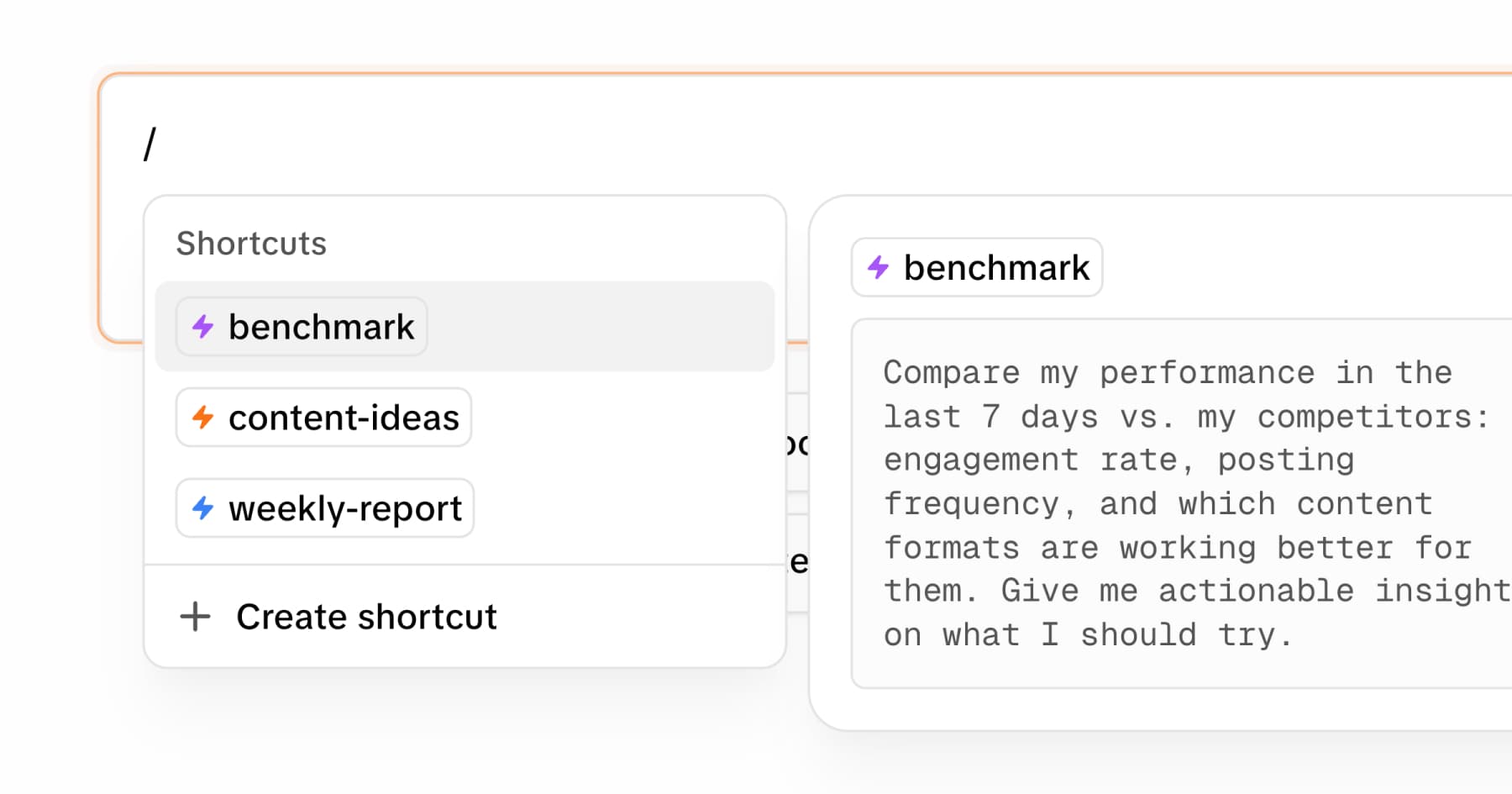
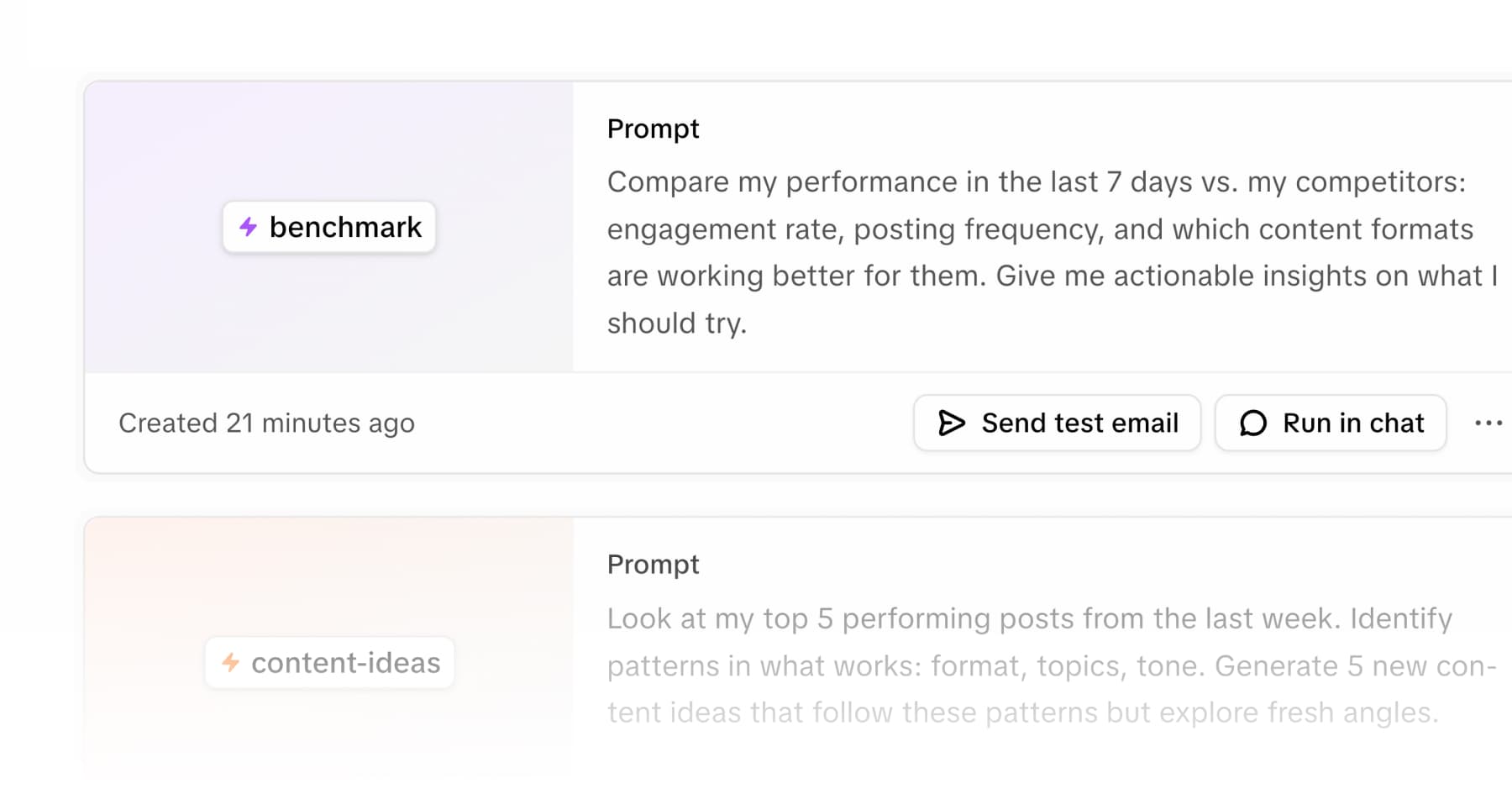
A shortcut in MOD is a saved prompt - a question or instruction you've written
once and want to run again. Type / in the chat, pick your shortcut, and MOD
runs it against your data instantly.
You can build one for anything: a weekly performance summary, a competitor analysis, a content brief for the week ahead. Once it's saved, anyone on your workspace can run it in seconds. No prompt engineering required, no context to re-explain.
The idea is simple: one person builds the workflow, the whole team uses it.
The next step: schedule it
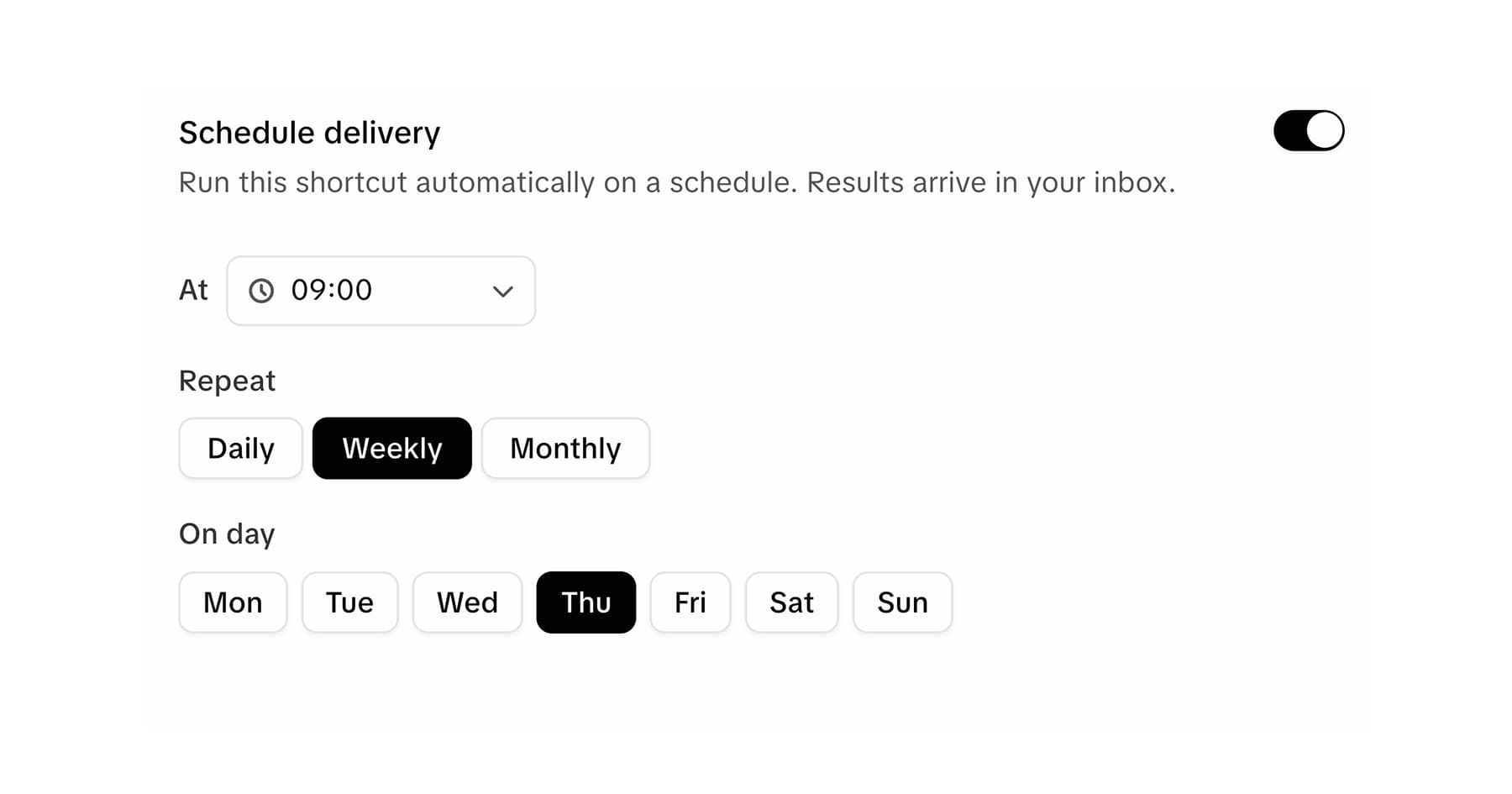
Here's where it gets useful. Any shortcut can be scheduled to run automatically - daily, weekly, or monthly - and MOD emails you the result.
You set it up once. From then on, the report lands in your inbox at the time you chose.
How to schedule a shortcut:
- Go to your Shortcuts page
- Open any shortcut (or create one)
- Click the Schedule tab
- Toggle scheduling on, pick your time and frequency
- Save
That's it.
What teams use this for
- Weekly performance digest. Every Monday at 9am, a summary of how your accounts performed hits your inbox. You start the week with context, not a blank slate.
- Competitor check. Every Friday, a breakdown of what competitors posted and what got traction - without anyone having to pull it manually.
- Content brief. Every Sunday, ideas for the coming week based on your top-performing content. Ready before Monday starts.
The report stops living on someone's to-do list and starts showing up in their inbox.
Shortcuts are available on all plans. Try MOD free.